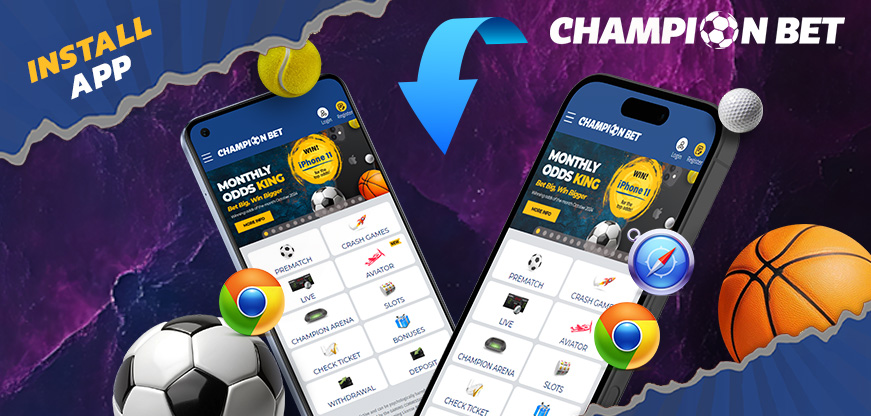
Install Our App and Play Anytime, Anywhere!
Get the ChampionBet App in Seconds – Install Now!
Follow these simple steps to install our app on your smartphone and enjoy easy access to all your favorite features.
Chrome – Android:
- Tap the three dots at the top-right corner of the browser
- Select “Add to Home Screen”
- Follow the on-screen instructions to complete the installation
- The ChampionBet app will now appear on your homescreen!
Chrome – iPhone:
- Tap the share icon (the square with an arrow) at the top-right of the address bar
- Scroll down and tap “Add to Home Screen”
- Confirm or edit the details, then tap “Add”
- The ChampionBet app will now appear on your homescreen!
Safari – iPhone:
- Tap the share icon at the bottom of the screen (a square with an arrow)
- Choose “Add to Home Screen”
- The ChampionBet app will now appear on your homescreen!
With these easy steps, you’ll always have ChampionBet right at your fingertips. Enjoy the best experience on your mobile device!
For more information, call customer care at +251985767778